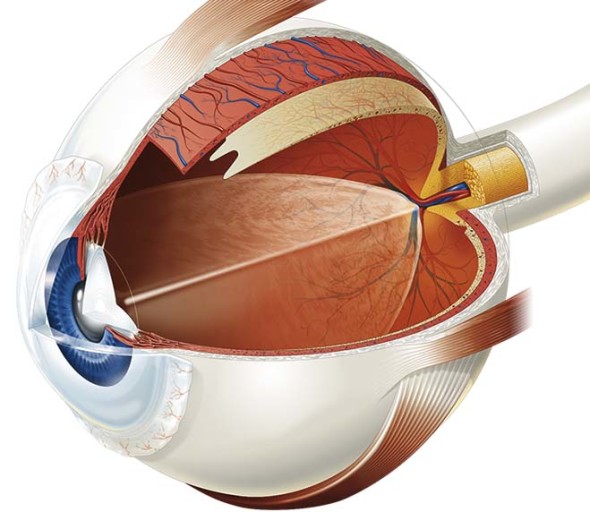
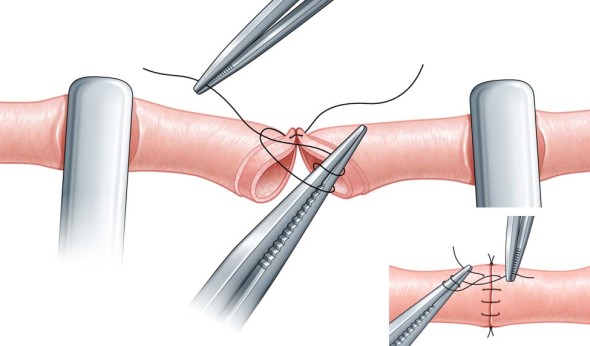
Martin Woodward, also known as tecmedi, is a British technical & medical illustrator. He has been producing illustrations for publishing, manufacturing & advertising clients for over 20 years. His portfolio features a broad range of subjects as well as tutorials and a quite sensible style & pricing guide.
Research & Knowledge Communication
Illustration commissioned for the purpose of undertaking research and communicating knowledge. Illustration that is used as a research or investigative tool and that represents, explains or seeks to understand information or data. Includes but is not limited to… natural history illustration, wildlife, scientific illustration, forensic imagery, architectural imagery, illustration supporting academic research (for example in archaeology, geology, paleontology, natural sciences, biological sciences), visual informatics, data-visualisation and graphic facilitation.
The description may be vague and wordy, but this is a big acknowledgement of information illustration. The rise of photography in mass media largely redefined the role of illustration to be something more abstract, emotive and symbolic, more in the world of fine art. This schism between Art and Science meant that for decades illustrators who depicted things from reality, subjects of non-fiction, couldn’t find recognition from the larger illustration community. The inclusion of information illustration in these awards is an acknowledgement of the importance, relevance and indeed the enjoyment of the work that we create.
This is also a great promotional opportunity. Your work will be judged by a panel of influential industry professionals, and if selected, it will be published in the 2013 awards catalogue, promoted online and exhibited in the AOI Awards show.
The deadline for entry is February 28, 2013. Thanks to Kathryn Chorney for the tip!
I’ve mentioned TinEye in passing before, for protecting your imagesandyour reputation online. TinEye is a reverse image search, meaning you upload or link to an image, and it finds all the places the same image appears online.
Using TinEye periodically on images in your online portfolio can help you find unauthorized usage of your images on other sites. The best course of action from there is up to your discretion—you could ask for a credit line and a link to your site, request they remove the image, demand payment, or file a DMCA Takedown.
But uploading or linking each image from your site to TinEye is tedious and time consuming. And TinEye’s database hasn’t indexed every image on the web (“only” 2.18 billion) which means it might not find all cases of infringement. For a more exhaustive search you’d have to repeat the process on Google Images, the Russian search engine Yandex and the Chinese search engine Baidu.
Instead, you can use browser plugins/extensions such as Who Stole My Pictures for Firefox and RevEye for Chrome to search all of these engines at once. Simply right click on the image and select Search All In Tabs (or something similar). A tab will open to each site showing the results.
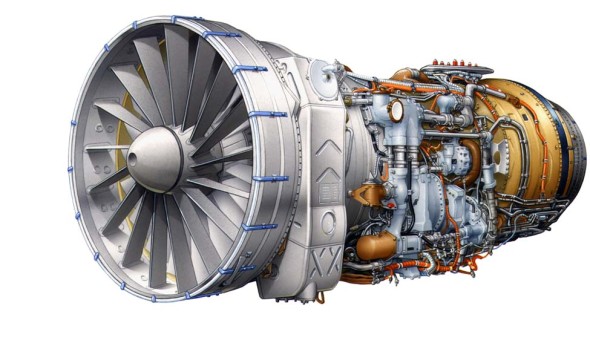
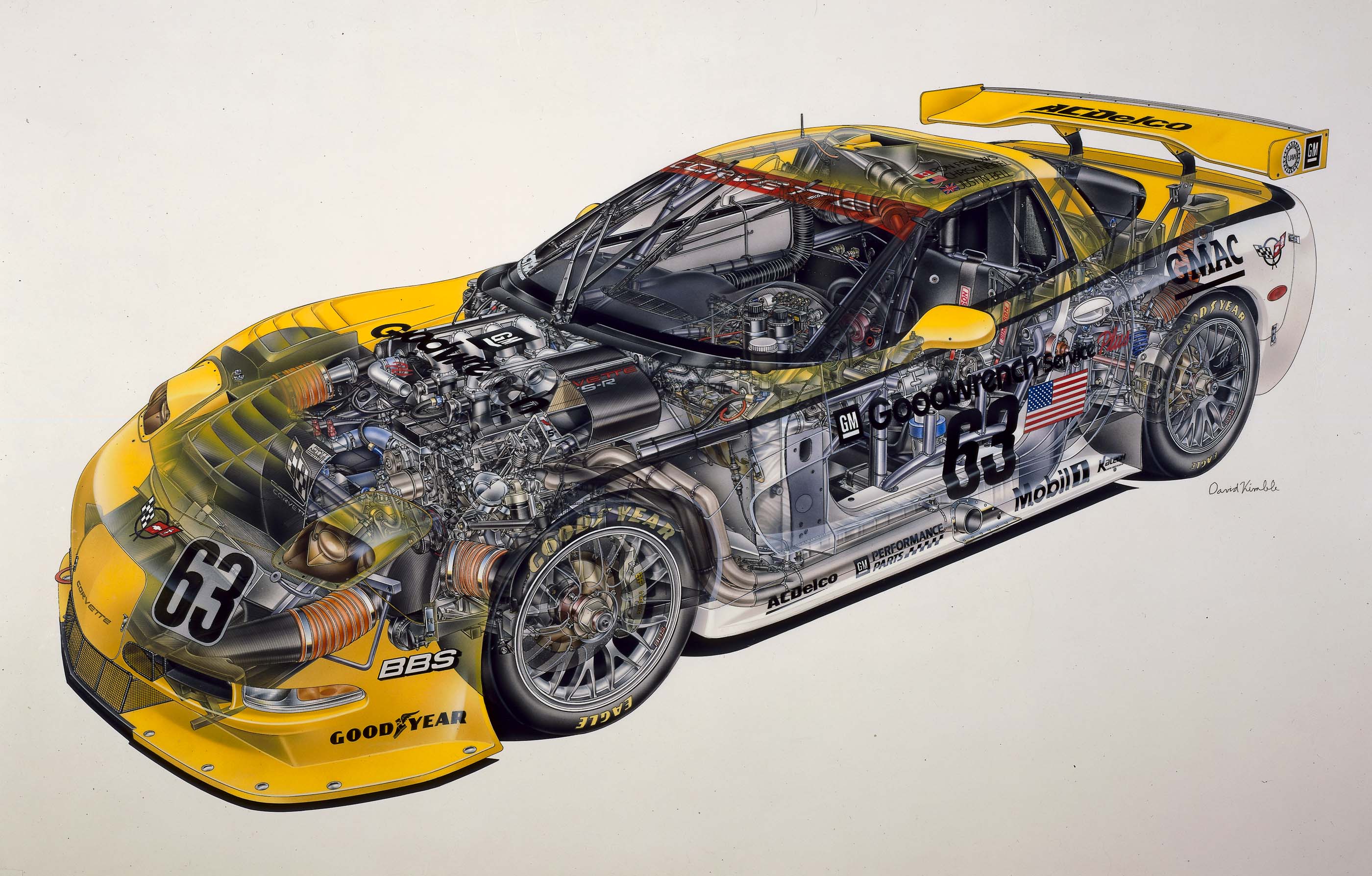
From there I found my way to GM’s excellent media portal which provides official content and high resolution images for news and editorial outlets. Digging around in the photo section yielded some awesome finds like the huge David Kimble airbrushed cutaway illustration above. Try searching for illustration, cutaway, and rendering, you’ll love what you find!
Know of any other manufacturers with public media portals? Let us know in the comments!
Peter Beach, a technical illustrator with over 25 years of freelance experience, wrote in to share his blog The Business of Freelancing Creative. There Peter has a wealth of wisdom, including his 21 Practical Tips to a successful illustration career, and candid essays on finding your niche, work-for-hire, copyright, pricing and stock illustration.
I’ve only started reading through, but it’s already proving to be a valuable resource for those considering a career of freelance and seasoned professionals alike.
If you have a site or resource to share, please visit the Suggest page.
Bill Mayer, a seasoned veteran illustrator, recently shared this cautionary tale. Innocently enough, he took on a cover illustration for an alternative weekly magazine with a very low budget because he loved the subject matter and thought that being an award-winning professional would earn him some creative freedom. Instead his best concepts were thrown out and his final illustration was micromanaged by the magazine’s advertisers. Then he was tarred and feathered by his peers for ever taking on the job.
I’ve been meaning to write about style — the design and arrangement of visual elements that creates a tone or voice in an illustration, throughout a project, or across an illustrator’s entire body of work. More specifically, how style conflicts and complements with a technical illustrator’s role of visual communication.
This critique of dozens of newspapers’ adaptations of an Associated Press graphic serves as a great introduction to the topic. News graphics veteran Charles Apple dissects the minute decisions made by the various papers’ editors in the name of visual appeal, visual communication, story telling and branding.
Is technical illustration more about visual communication or style?
How do you compromise between the two?
There is little you can do to stop someone who is determined to steal your images. Watermarks are easily removed and website scripts are defeated with a simple screen grab. These attempts only mar your work and make your site difficult to navigate.
In this tutorial I’m not talking about protection from image thiefs, I’m talking about protection from lost opportunities. Times when your images are inevitably downloaded, blogged, cropped, reblogged, faved and saved, and end up orphaned on someone’s hard drive, ffffound, imgfave, tumblr, or email—especially when that person likes your work and would really love to hire you, if they could just figure out where the image came from.
This happens more often than you think; art directors are constantly grabbing images whenever and wherever they see them, but seldom have the time to organize them and make note of where they came from (they should really be using Evernote). Months or even years down the road they might find your image floating in a random folder, uselessly renamed li4tceEqMb1qe.jpg by Tumblr, your name & website address croppped by an ignorant blogger leaving TinEye with no results.
Wouldn’t it be great if you could tuck your name, website and keywords and copyright information into every image to avoid this situation? You can—using Metadata.
Metadata is data about data—like the Created and Modified dates you see attached to every file on your computer. It’s like a little text file appended to files only adding a few bytes to the total file size. You might already be familiar with EXIF metadata added to JPGs by digital cameras, scanners and phones. The metadata I’m talking about in this tutorial is IPTC, but all you need to know is that by the end you’ll be able to embed your name, website, email, phone number, address and copyright into every image—automagically.
I saw Twitter as a sales tool with an immediate and pointed delivery, to be aimed at current and prospective clients. Free, direct, and uncluttered advertising to an audience with a common interest.
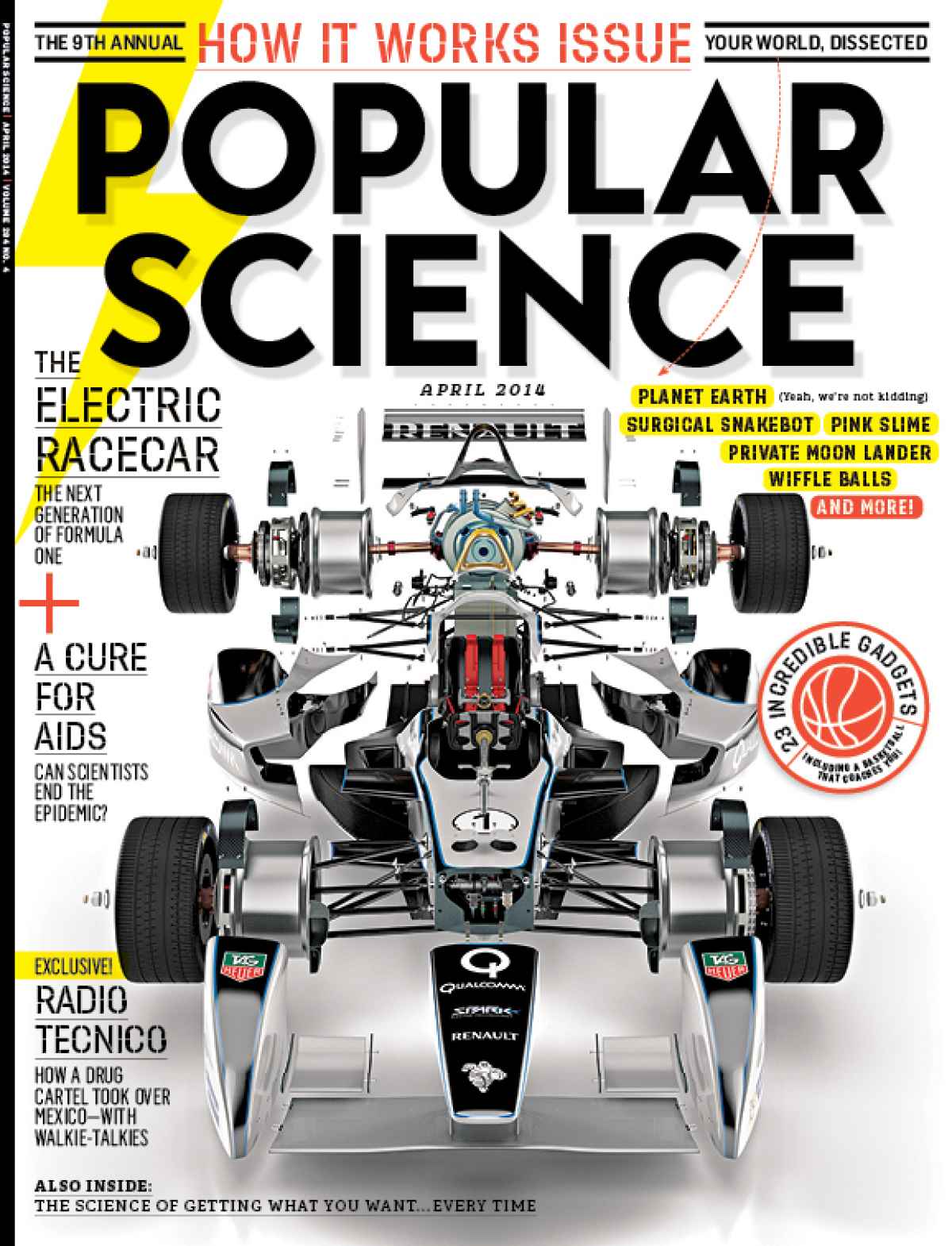
Using Twitter he reconnected with Popular Science magazine, a client he worked with regularly between 1994 and 2001. He had tried with hard-copy promos, emails and even voicemails with little response. Then he started following @PopSciGuy, art director Matthew Cokeley:
Each morning Matt would Tweet, “Morning tweeps! Let’s get to work!” After following PopSciGuy on Twitter for a few weeks, I decided to make a bold move. While having lunch at a local restaurant, I replied to one of these morning salutations with “Matt, put me to work in the next issue!”
Now, I certainly wouldn’t recommend this approach to everyone! But my gut told me that this direct, outside-the-norm tactic might just garner a favorable response from the A.D. of a leading science and technology magazine. This approach was destined to go either of two ways: bold, yet smart or, the dumbest move ever.
…and it worked—within two hours, Matthew got in touch with a project for Greg.
For those of you on the fence about it, this is what Twitter is for; Connecting with people with shared interests & goals, in a casual, personable way.
The second of Marc Gellen‘s book recommendations is Presentation Techniques by Dick Powell, published in 1990. Whereas Technical Illustration – Techniques and Applications was more of a textbook of tools and techniques, this book is a practical guide to accurately drawing and rendering for the purpose of communicating design ideas. While both books are reminders of how much illustration has changed in 20 years in terms of media and style, I think this book’s techniques are well presented and still relevant today.